Maryn has a dark mode (and here’s why I built it warm).
Published May 11, 2026
I want to talk about a small thing that, honestly, made a real difference for me.
I work in dark mode. Not just sometimes — always. Every app on my computer, my phone, my browser. If a piece of software doesn’t have a dark mode, I’m slightly annoyed at it.
This isn’t about aesthetics. It’s about the fact that I am in front of a screen for hours every day, and the difference between bright cream backgrounds and warm dark ones is the difference between leaving my desk with tired eyes or not.
It’s also about when I work. Some of my best hours are early — before anyone else in the house is awake, when the sky is still dark and I have a coffee and the world is quiet. A glowing white screen at 5 AM feels like getting hit with a flashlight. A warm dark screen feels like an extension of the morning itself.
So when I built Maryn, dark mode wasn’t an afterthought. It was one of the first things I made sure looked good.
What dark mode in Maryn actually looks like
It’s not a “blue-black tech app” dark mode. Most apps that have dark mode just invert their colors and call it a day, and you end up with cold steel-grey panels and bright white text that makes your eyes tired in a different way.
Maryn’s dark mode is warm. The same way the light mode uses cream and plum, the dark mode uses something closer to candlelight — soft gold accents on near-black backgrounds, with the same warm serif headings and the same unhurried feel.
You can flip between the two with one click in the top-right corner. (There’s a little sun/moon icon. It does what you’d expect.)
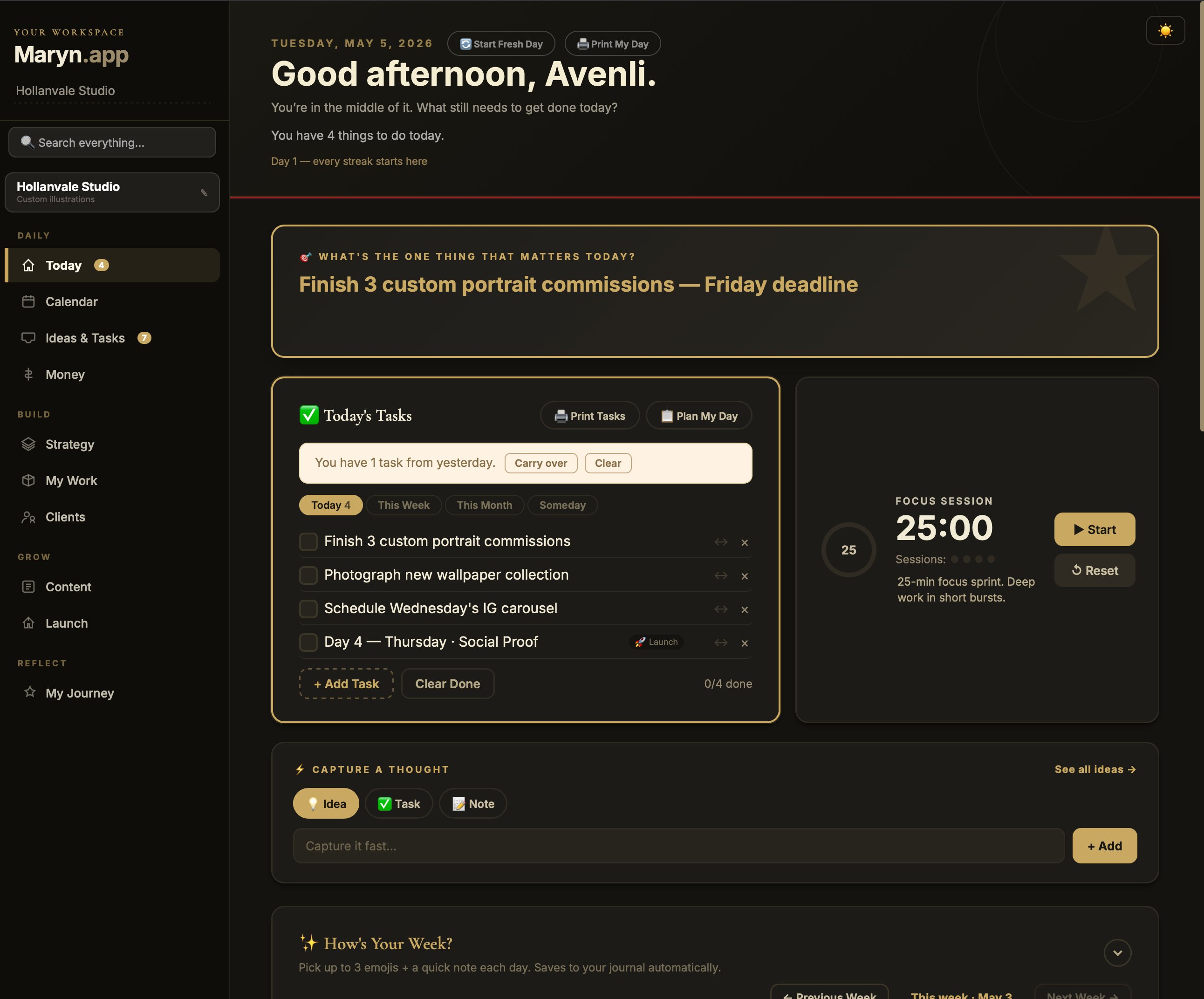
The Today page — your morning command center
This is the screen I see first every day. Dark mode makes it feel like a quiet ritual, not a productivity blast:
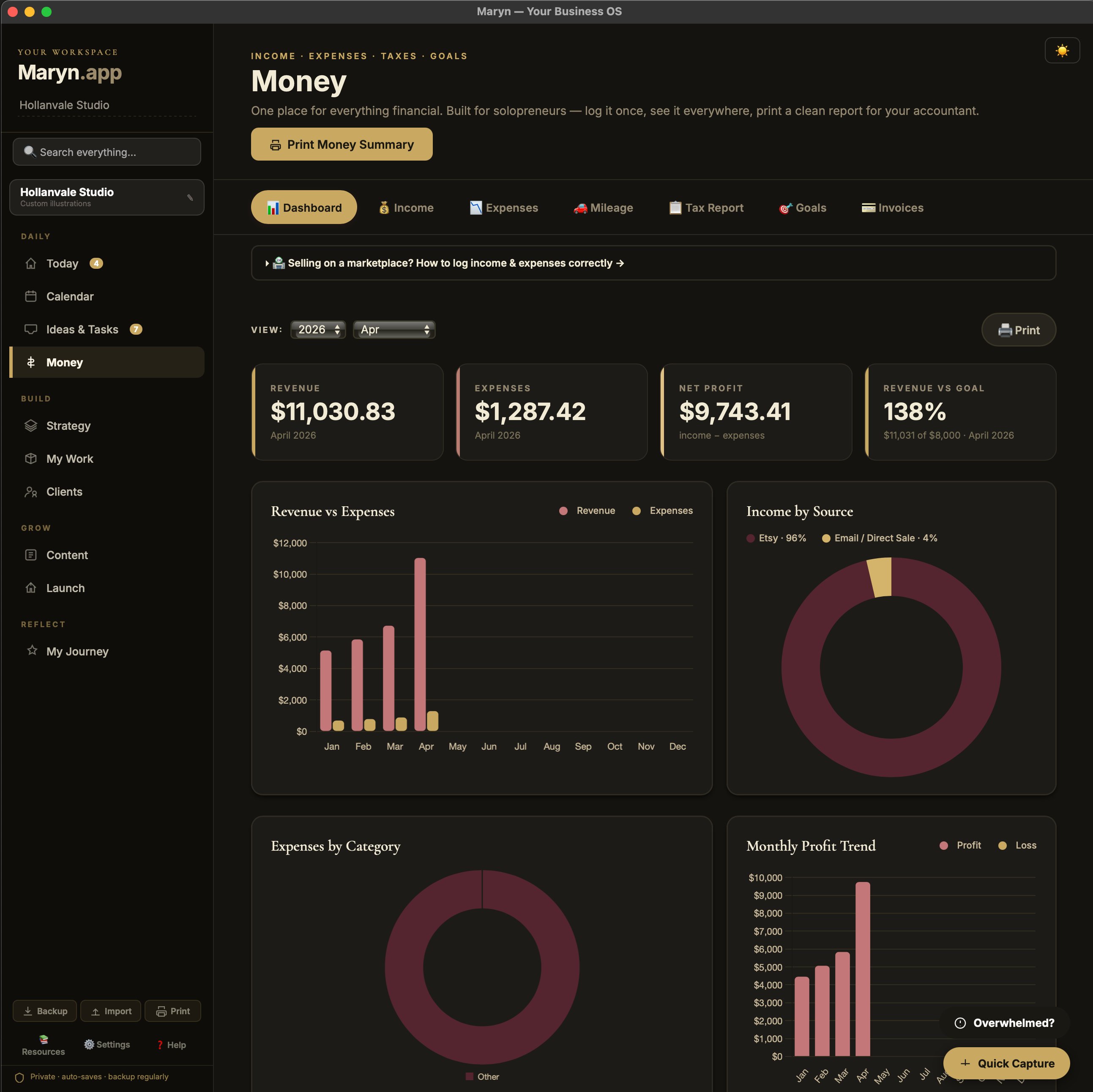
Money — for long bookkeeping sessions
Charts in warm rose tones against the dark background, easy on the eyes during end-of-month entries:
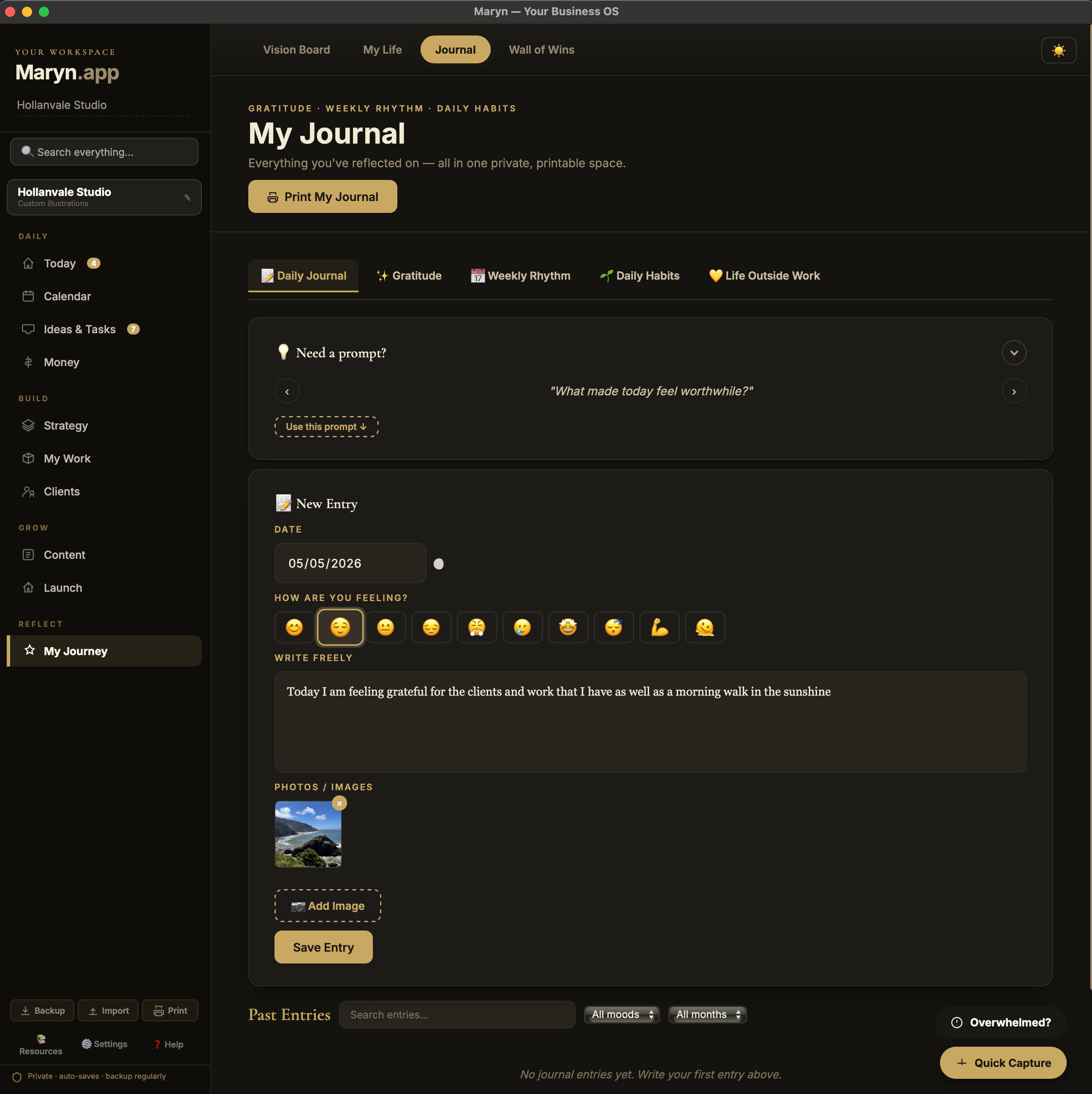
Journal — for the words that don’t glow at you
Writing freely in dark mode is something else. The page doesn’t glow. It just holds your words:
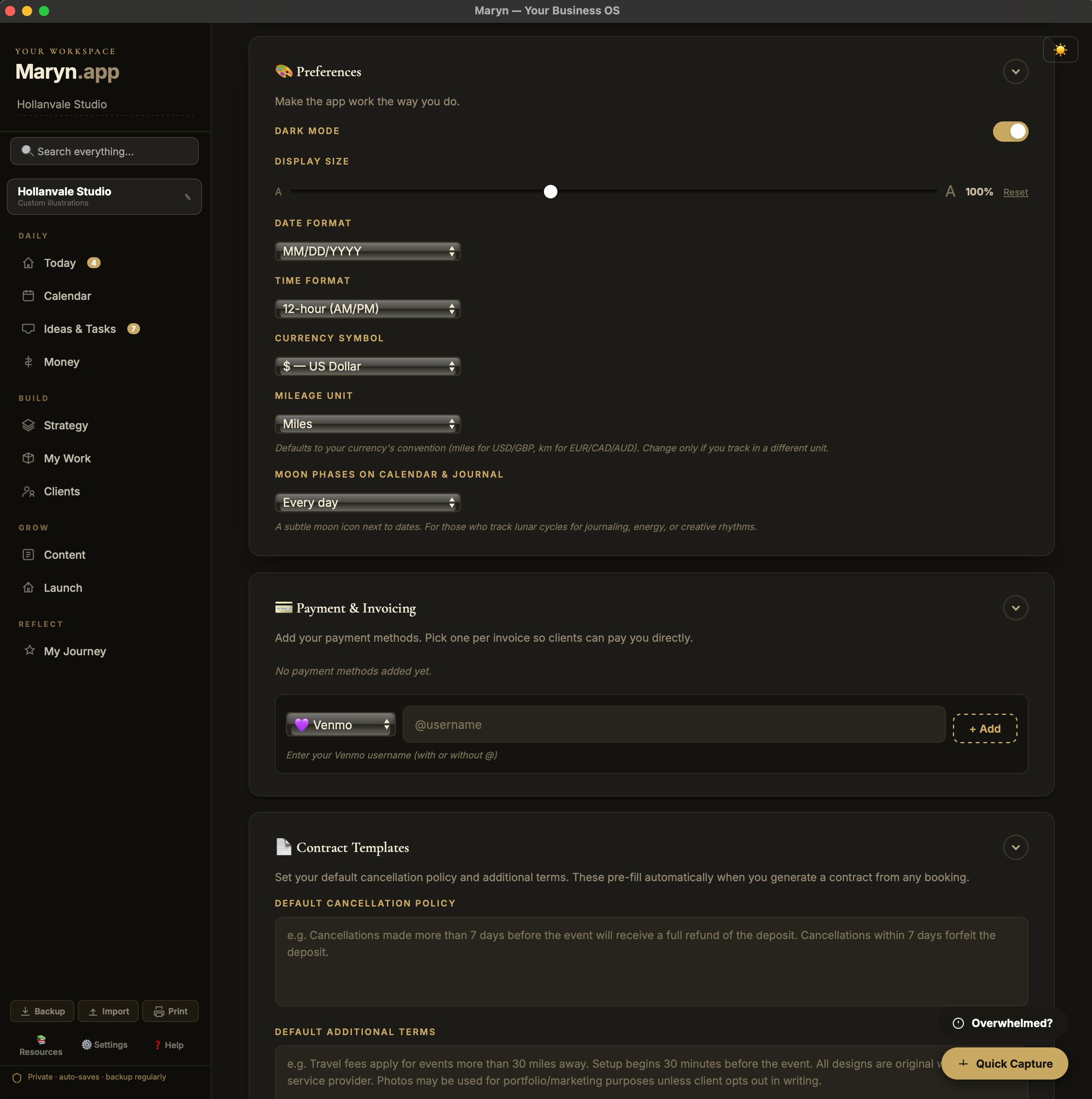
Settings — where you make Maryn yours
The dark mode toggle lives at the top right of every screen. Settings is where you configure all the small things — date format, currency, mileage units — that make Maryn feel like your software, not someone else’s:
And if you prefer the light…
Light mode is gorgeous too. Same Today page, dressed for daylight:
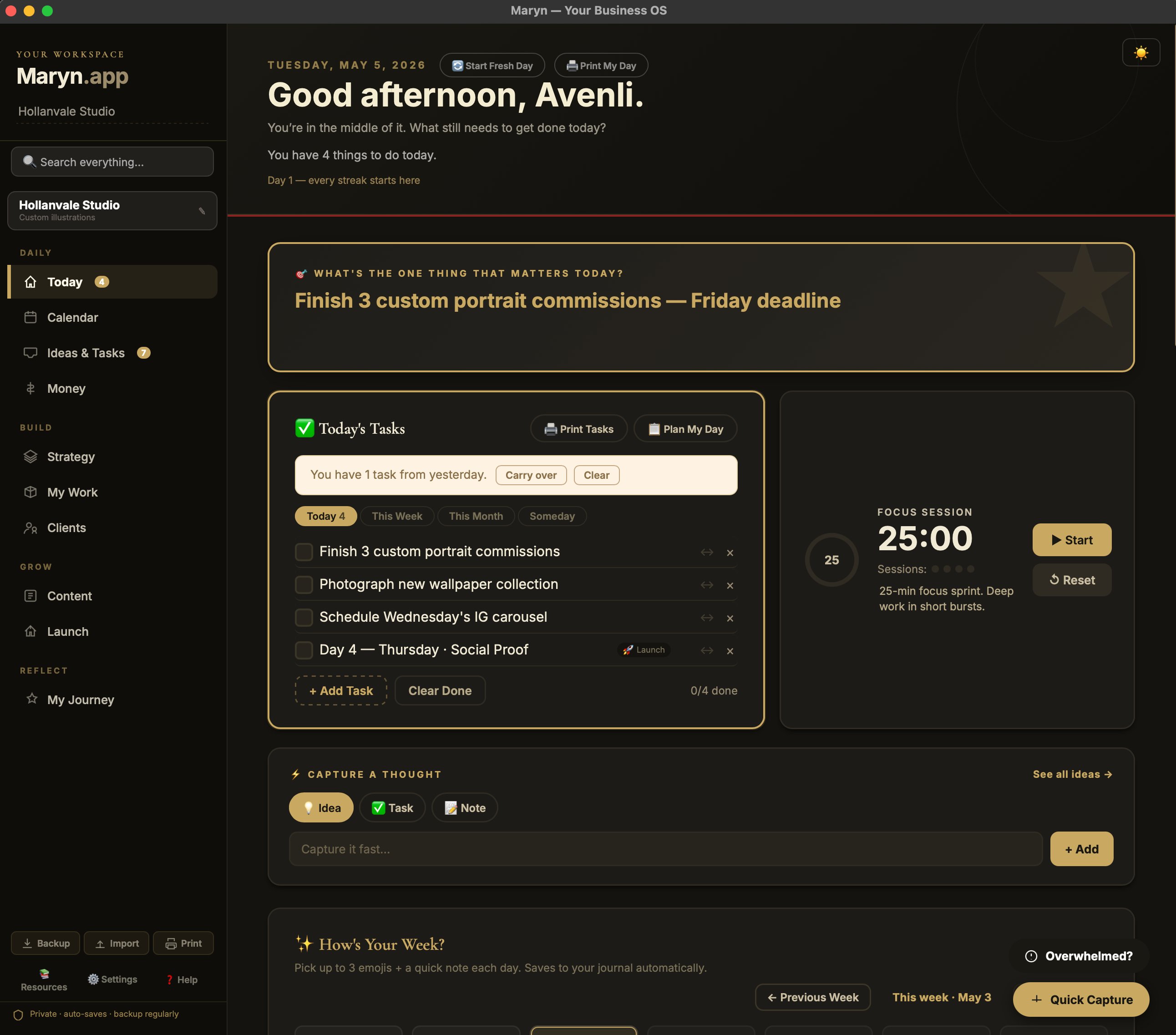
The whole point of having both is that you get to choose what your software looks like, depending on the day, your eyes, the time of morning, the weather, your mood.
Who dark mode is for
If you also live in dark mode on every other piece of software you use — you already know. The rest of the internet is cold and bright, and Maryn isn’t.
If you work in early-morning hours, late-night hours, or any time when bright white screens feel like an assault — dark mode is for you.
If you stare at screens for the better part of your work day — dark mode is for you.
If you mostly work in daylight and you love a warm cream background — light mode is right there, one click away.
That’s how it should be.
— Jen